FSE (Frequently Solved Errors)
Here are the common errors that are happening on our PCs.
First things first
First things first, if the problem is a connection problem (e.g. can't login, can't access internet), please try to unplug and plug back the Ethernet (LAN) cable on the computer.
If that still doesn't fix the problem, try to restart the computer.
If that still doesn't fix the problem, then read the rest of this document
Trust relationship issue
If you see the following error
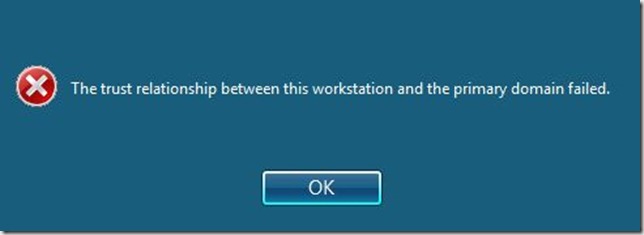
TBA :p
TODO (Jonathan) : Explain how to change domain thing
Can't install printer
Note: Do EVERYTHING below using admin access.
Press windows button on keyboard, right click on computer, choose Manage
Open Services, wait for a while(it's loading)
Right click on spooler, restart
try connecting the printer again
If the first one doesn't work:
1. Open Registry Editor, making sure that you have administrator rights.
2. Expand HKEY_LOCAL_MACHINE\SYSTEM\CurrentControlSet\Control\Print\Environments\Architecture\Drivers\Version-3
3. Delete any subkeys for printer drivers that have been installed.
4. Expand HKEY_LOCAL_MACHINE\SOFTWARE\Microsoft\WindowsNT\CurrentVersion\Print\Printers
5. Delete any subkeys that reference any network printers.
6. Close Registry Editor
7. Go to Windows\System32\Spool and delete everything in the following folders
1. Prtprocs\x64
2. Servers
3. Printers
8. Restart the Print Spooler services